AI & Technology
Wan 3.0: What It Is, How It Works, and Why It Matters
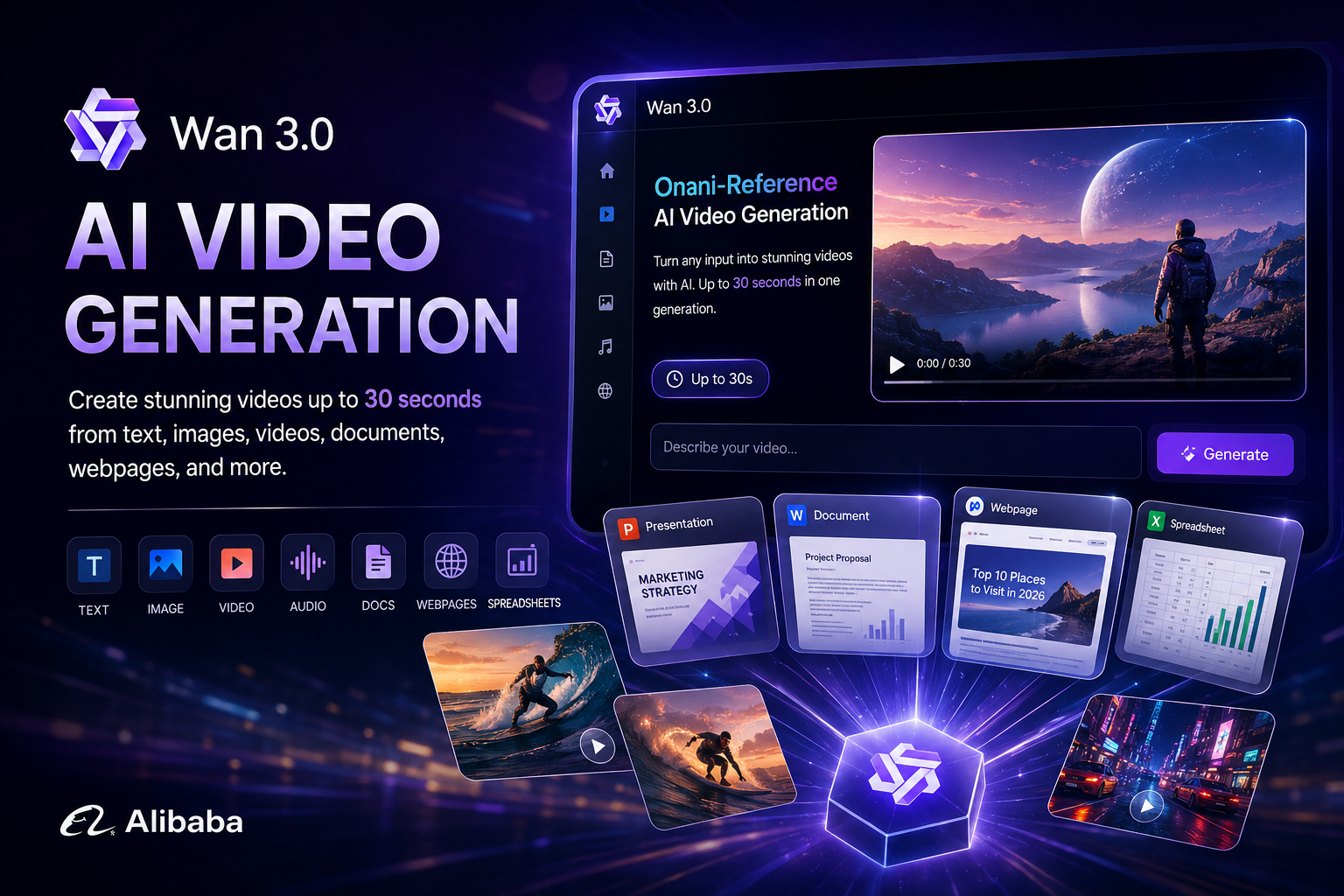
What is Wan 3.0?
Wan 3.0 is Alibaba's latest AI video generation model, developed by Alibaba's Tongyi Lab. It is designed to generate longer video clips from a wide range of inputs, including text, images, video, audio, documents, and webpages. Instead of requiring users to start with only a text prompt, Wan 3.0 can use existing content as creative references and turn that information into a generated video.
When Was Wan 3.0 Released?
Wan 3.0 was publicly introduced in August 2026, with the wider launch taking place on August 24, 2026. The release expanded Alibaba's Wan video-generation family with longer native video generation and a multimodal Omni-Reference workflow.
- August 2026: Wan 3.0 entered public availability during August 2026.
- August 24, 2026: Alibaba launched Wan 3.0 more broadly.
- 30-Second Generation: Wan 3.0 can generate videos up to 30 seconds in a single generation.
- Omni-Reference: The model can use different types of media and documents as creative references.
- Current Status: Wan 3.0 is available through Alibaba's Wan platform and Alibaba Cloud Model Studio.
How Does Wan 3.0 Work?
Wan 3.0 combines multimodal understanding with AI video generation. A user can provide a prompt, image, video, audio, document, or webpage as a reference. The model analyzes the supplied information and uses it to create a video based on the user's creative instructions.
- User Input: The user provides text, images, videos, audio, documents, webpages, or other supported references.
- Content Understanding: Wan 3.0 analyzes the information contained in the supplied references.
- Creative Direction: The user describes the desired characters, scenes, camera movement, dialogue, action, and overall style.
- Video Generation: The model transforms the references and instructions into a generated video.
- Audio-Visual Generation: Wan 3.0 can create visual content together with sound for supported workflows.
- Final Result: The generated video can be reviewed and used as creative content.
How to Use Wan 3.0
- Step 1 - Open Wan: Visit the Wan video platform and open the Wan 3.0 creation experience.
- Step 2 - Choose Your Input: Provide a text prompt, image, video, audio, document, or webpage as your creative reference.
- Step 3 - Describe Your Video: Explain what you want the model to create, including the scene, characters, camera movement, style, and action.
- Step 4 - Generate the Video: Submit the request and allow Wan 3.0 to generate the video.
- Step 5 - Review the Result: Check the generated video and determine whether the scene, motion, audio, and overall result match your requirements.
- Step 6 - Improve the Prompt: If the result is not correct, modify the instructions or references and generate another version.
What Can You Do With Wan 3.0?
- Text-to-Video: Turn a written description into a generated video.
- Image-to-Video: Transform a static image into a moving video scene.
- Reference-Based Video: Use multiple references to guide characters, objects, scenes, or visual style.
- Document-to-Video: Use supported documents such as presentations, spreadsheets, and other files as creative references.
- Webpage-to-Video: Use webpage information as a source for creating video content.
- Marketing Videos: Create promotional videos for products, services, and businesses.
- Educational Videos: Convert information and learning material into visual explanations.
- Social Media Content: Create short-form videos for platforms such as YouTube Shorts and other social networks.
Why Should You Use Wan 3.0?
The main advantage of Wan 3.0 is that it goes beyond simple text-to-video generation. Users can provide existing content as references, allowing the model to transform information they already have into new video content.
- Longer Videos: Wan 3.0 supports video generation of up to 30 seconds in a single generation.
- Multiple Input Types: Users can work with text, images, video, audio, documents, and webpages.
- Less Manual Editing: Existing content can become a starting point for video creation.
- Marketing Automation: Businesses can potentially turn product information and presentations into promotional videos.
- Content Creation: Creators can generate visual content for social media, education, and storytelling.
- Creative Control: Users can provide references and detailed creative instructions instead of relying only on a simple text prompt.
Wan 3.0 vs Traditional AI Video Generators
Traditional AI video generators often focus on converting a text prompt or a single image into a short video. Wan 3.0 expands this workflow by allowing multiple types of information to become creative references.
- Traditional Video Generator: Usually starts with a text prompt or image.
- Wan 3.0: Can work with text, images, video, audio, documents, and webpages.
- Traditional Workflow: Create a video first and manually combine additional information later.
- Wan 3.0 Workflow: Use existing information as references during the generation process.
- Key Difference: Wan 3.0 focuses on an Omni-Reference approach that brings different forms of content into one video-generation workflow.
What Makes Wan 3.0 Different?
One of the most notable ideas behind Wan 3.0 is its Omni-Creation approach. Alibaba describes the system as a way to use images, text, video, audio, documents, and webpages as creative references. This makes the model useful not only for generating fictional scenes but also for transforming existing business and creative material into video.
- 30-Second Generation: Wan 3.0 can create a continuous video of up to 30 seconds.
- Omni-Reference: Multiple forms of content can be used as references.
- Document Understanding: Documents can become part of the video-generation workflow.
- Webpage References: Web content can be used as a creative source.
- Audio-Visual Creation: Wan 3.0 combines visual generation with audio capabilities.
- Creative Direction: Users can direct characters, scenes, camera movement, dialogue, and sound through their instructions.
Wan 3.0 for Businesses
Wan 3.0 can be useful for businesses that already have large amounts of digital content. Instead of manually creating a video from every presentation, product document, or webpage, businesses can use those materials as references for AI-assisted video production.
- Real Estate: Turn property information, images, and presentations into promotional videos.
- E-Commerce: Create product marketing videos from product information and images.
- Education: Turn educational material into short visual lessons.
- Marketing: Transform product documents and presentations into advertising content.
- Social Media: Generate short-form promotional and informational videos.
- Internal Communication: Convert business information into easier-to-understand visual content.
Example: Turning a Property Into a Video
Imagine a real-estate company has a property presentation containing apartment images, location information, amenities, floor plans, and pricing information. Instead of manually creating a promotional video from each piece of information, the company can use supported content as a reference and provide instructions for the type of video it wants to create.
- Property Information: Provide the available property material.
- Creative Prompt: Ask Wan 3.0 to create a professional real-estate promotional video.
- Scene Direction: Describe the building exterior, apartment interiors, amenities, and surrounding environment.
- Video Generation: Wan 3.0 creates the requested video based on the available references.
- Final Content: The result can be reviewed and prepared for marketing channels.
Wan 3.0 and the Future of AI Video
Wan 3.0 represents a broader shift in generative AI from creating content from simple prompts toward understanding existing information and transforming it into new media. As multimodal models become more capable, users may increasingly provide documents, webpages, images, and other assets and simply describe the final result they want.
Privacy and Security
Because Wan 3.0 can work with documents, webpages, and other reference material, users should consider privacy and security before uploading sensitive information. Businesses should review the platform's terms, privacy policies, data handling practices, and organizational requirements before using confidential documents or customer information.
Conclusion
Wan 3.0 is an important development in AI video generation because it expands video creation beyond simple text prompts. Its ability to work with images, text, video, audio, documents, and webpages makes it possible to transform existing information into visual content. With support for videos of up to 30 seconds and an Omni-Reference workflow, Wan 3.0 could become a useful tool for creators, marketers, educators, and businesses looking to produce video content more efficiently.