AI & Technology
Tavus Phoenix 4.5: The AI Human Model Making Digital Conversations More Realistic
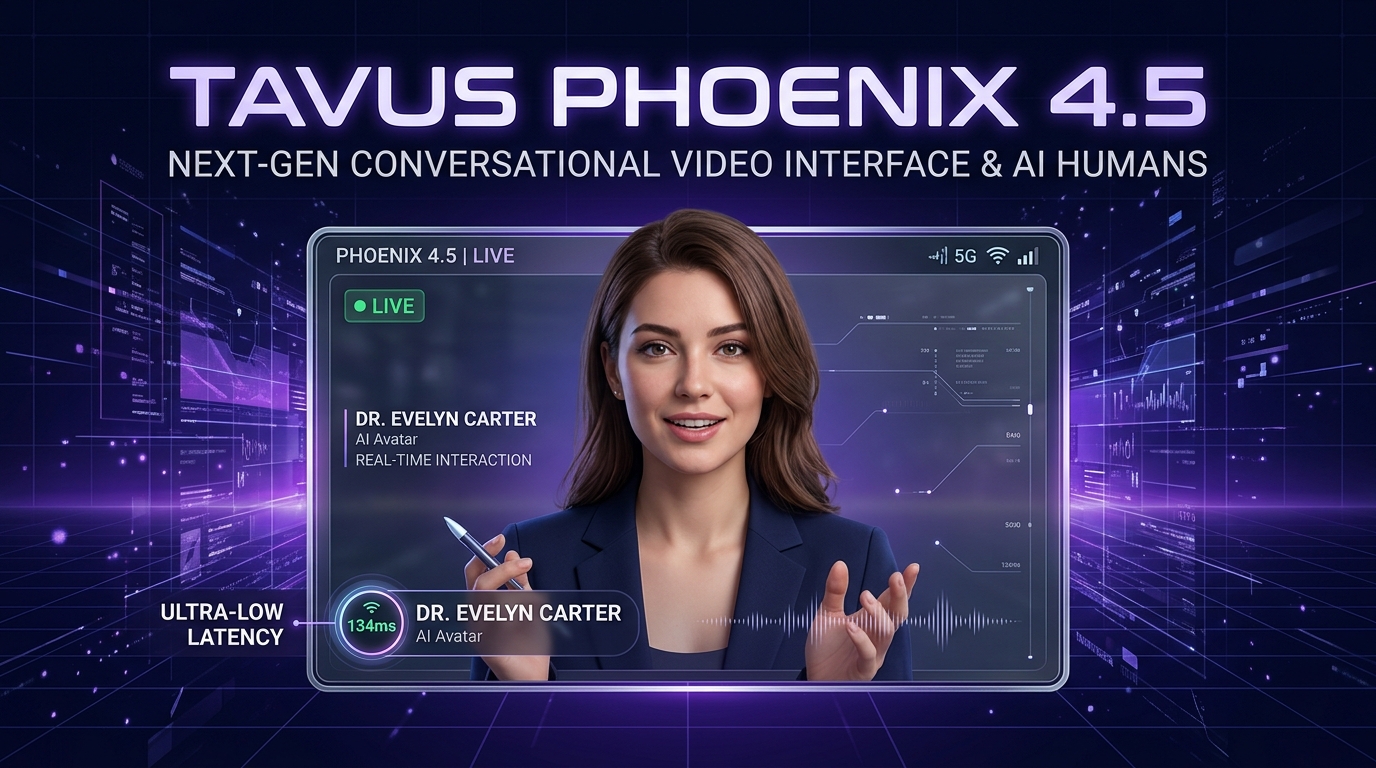
Overview: The Missing Piece in AI Avatars
AI avatars have been around for years, but many still feel noticeably artificial. Their faces may move, but their expressions, eye movements, and body language often don't feel like a real conversation.
Tavus is trying to change that with Phoenix 4.5, its latest human-rendering model designed to create highly realistic AI humans for real-time interactions.
The model focuses not only on making an AI person speak, but also on reproducing the subtle nonverbal behaviors that make human conversations feel natural.
What Is Tavus Phoenix 4.5?
Phoenix 4.5 is Tavus's real-time human-rendering model that generates realistic AI humans with facial expressions, micro-movements, and other nonverbal communication cues.
Instead of creating an avatar that simply moves its lips while speaking, Phoenix 4.5 is designed to make the AI human appear more engaged during a conversation.
For example, while listening to a user, the AI human may show subtle changes in facial expression, head movement, eye behavior, and upper-body motion.
Tavus says Phoenix 4.5 can render human video with a latency of around 134 milliseconds, making it suitable for real-time conversational experiences.
Why Is Phoenix 4.5 Different?
Traditional AI avatars often follow a simple linear process:
This rudimentary process is why traditional avatars can feel stiff and robotic.
Phoenix 4.5 takes the idea dramatically further by focusing on the complete visual behavior of a digital human. The experience involves:
- Facial Expressions: Dynamic emotive feedback synchronized with conversation context.
- Micro-Expressions: Natural twitches, eyebrow movements, and subtle emotional cues.
- Eye Movement & Gaze: Realistic gaze tracking, natural blinking, and eye contact maintenance.
- Head & Neck Movement: Organic head tilts, nods, and listening postures.
- Upper-Body Motion: Natural shoulder and posture shifts that convey presence.
- Natural Reactions While Listening: Reactive visual cues while the user speaks, avoiding frozen poses.
- Emotion-Related Visual Changes: Synchronizing physical presence with conversational sentiment.
- Real-Time Rendering: Live frame-by-frame synthesis without prerecorded video compromises.
The Power of Nonverbal Communication
These small details matter because humans communicate through much more than words.
When someone says, "I understand," they might also nod their head, change their facial expression, or maintain eye contact.
Phoenix 4.5 attempts to reproduce this type of behavior in an AI-generated human.
What Does 134 ms Mean?
One of the key numbers associated with Phoenix 4.5 is 134 ms, or approximately 0.134 seconds. This refers to the rendering latency claimed by Tavus.
However, it is important to understand what this number does and does not mean.
It does not mean that an AI can understand a question, think about it, generate an answer, create speech, and respond to the user in exactly 134 milliseconds.
A complete real-time AI conversation involves several stages:
Phoenix 4.5 primarily focuses on the human-rendering portion of this process. Its low rendering latency helps make the overall experience feel responsive and conversational.
How Does Phoenix 4.5 Work?
At a high level, a conversational AI human can be thought of as several systems working together in harmony:
1. The AI Understands the User
First, the system needs to understand what the user is saying. For example:
"Can you explain how FastAPI works?"The conversational AI processes the request and determines an appropriate response.
2. The AI Generates a Response
The AI reasoning layer generates an accurate response:
"FastAPI is a modern Python web framework designed for building APIs quickly."
3. The Response Becomes Speech
A text-to-speech system converts the response into streaming audio. The AI human now has a voice and timing for the response.
4. Phoenix Generates the Human Behavior
Phoenix 4.5 handles the visual side. It generates the AI human's appearance and movements while the conversation is happening—including facial expressions, subtle body movements, and other visual cues.
The result is more than a talking face—it is an AI human designed to behave naturally during an interaction.
What Are Nonverbal Communication Cues?
One of the most interesting aspects of Phoenix 4.5 is its focus on nonverbal communication.
Humans communicate through both words and physical behavior. For example, imagine someone says:
"That's a good idea."They might simultaneously:
- Smile: Conveys warmth, approval, and encouragement.
- Nod: Confirms active listening and agreement.
- Raise Eyebrows: Reflects interest and curiosity.
- Head Movement: Fluid positional adjustments.
- Facial Transition: Natural micro-shifts around eyes and mouth.
- Body Posture: Leaning slightly forward to signal involvement.
Active Presence Over Static Avatars
These physical actions communicate additional information even though they aren't spoken.
Phoenix 4.5 attempts to bring similar visual behavior into AI-human interactions. This makes the AI feel more like an active participant in a conversation rather than a static avatar.
Phoenix 4.5 Is Not the AI Brain
An important distinction is that Phoenix 4.5 is not itself a chatbot like ChatGPT or Gemini.
It is primarily the visual rendering component. A complete conversational AI system coordinates several specialized components:
| Component | Main Responsibility |
|---|---|
| LLM | Generates the AI's response and reasoning |
| Speech recognition | Understands spoken audio input (STT) |
| Text-to-speech | Creates the AI's voice and audio output |
| Phoenix 4.5 | Generates the AI human's visual behavior in real time |
| Conversational platform | Connects these components together into a cohesive stream |
Tavus packages these capabilities into its broader Conversational Video Interface (CVI).
What Is a Tavus Replica?
Tavus also uses the concept of a Replica.
A Replica is essentially the digital representation of a person that appears in the generated video. For example, a company could create an AI presenter based on a real person.
The Replica provides the visual identity, while the conversational system determines what the AI says and Phoenix handles the real-time human rendering.
How Can You Use Phoenix 4.5?
Developers can use Tavus to build applications where users interact with AI humans. A typical workflow looks like this:
- 1. Create a Tavus Account: Access Tavus's platform, developer console, and API tools.
- 2. Create a Replica: Set up the AI human that will appear in the experience.
- 3. Create a Persona: Define how the AI should behave, communicate, and respond. For example: "You are a professional real-estate consultant. Ask users about their preferred location, budget, and property type."
- 4. Create a Conversation: Connect the Replica and Persona to a real-time conversational experience.
- 5. Integrate into Your Application: Connect Tavus into your web or mobile applications using APIs and conversational components.
End-to-End Application Architecture
The integrated production experience connects seamlessly across your stack:
Example: AI Interviewer
One practical application is an AI interviewer.
Imagine opening a website and seeing:
AI Interviewer:You respond:
"Hi! Tell me about yourself."
"I'm a Python developer with experience in FastAPI and React."The system processes your speech, generates the next question, creates the AI's voice, and renders the digital interviewer:
"That's interesting. Can you explain one project where you used FastAPI?"Instead of reading the question from a chatbot window, you are having an interactive video conversation with an AI human.
Example: AI Tutor
Phoenix 4.5 could also be used for education.
Imagine an AI tutor explaining Python:
AI Tutor:While explaining the concept, the AI human speaks with natural facial expressions and body movements. Students can ask questions and receive responses through a conversational video interface, making online learning significantly more engaging.
"Let's understand Python dictionaries."
Example: AI Sales or Customer Support Agent
Businesses can also use AI humans for customer-facing applications:
Customer:
"I'm looking for a two-bedroom apartment."AI Property Consultant:
"Sure. What is your preferred location and budget?"The AI connects to the property database, qualifies the client, and continues the conversation. This creates a far more personal experience than a traditional text chatbot.
Potential Use Cases
Phoenix 4.5 and real-time AI humans open up practical possibilities across diverse industries:
- AI Interviewers: Conducting structured candidate screening and coding debriefs.
- AI Tutors: Face-to-face language practice, STEM explanations, and skill coaching.
- Customer Support: 24/7 empathetic video assistance with product walk-throughs.
- Sales Assistants: Qualifying leads and guiding prospects through solutions.
- Virtual Receptionists: Welcoming visitors in digital portals or physical kiosks.
- Employee Onboarding: Guiding new hires through company documentation and processes.
- Product Demonstrations: Delivering interactive, conversational product overviews.
- Real-Estate Consultants: Answering property inquiries with live database lookups.
- Personalized Video Experiences: Tailored interactive messages for customers.
- Interactive Websites: Replacing static hero banners with conversational AI guides.
Phoenix 4.5 vs Traditional AI Avatars
| Traditional Avatar | Phoenix 4.5 Approach |
|---|---|
| Basic talking animation | More detailed human behavior & presence |
| Simple lip synchronization | Facial and upper-body movements |
| Limited expressions | Micro-expressions & emotive context |
| Often designed for prerecorded videos | Designed for real-time interaction (134ms) |
| Can feel robotic and detached | Designed to feel conversational and alive |
The biggest difference is the focus on real-time human behavior, rather than simply making an image appear to talk.
Why Does This Matter?
The next generation of AI interfaces may not always look like chat windows.
Today, we commonly interact with AI through:
• Text boxes
• Voice assistants
• Mobile apps
• Chat interfaces
But AI humans introduce another possibility:
Instead of typing: "What should I do next?", you could speak naturally with an AI representative who responds through voice, facial expressions, and body language.
This is especially valuable where trust, empathy, and personal rapport are critical.
The Future of AI Humans
Phoenix 4.5 represents a broader trend in AI: making digital interactions more human-like.
Large language models have already made AI much better at understanding and generating language. Voice models have made AI conversations more natural.
The next challenge is making AI feel natural visually. That means teaching AI systems not only:
"What should I say?"but also:
"How should I appear while saying it?"
Phoenix 4.5 focuses on this visual layer by combining real-time rendering with subtle human behaviors.
Final Thoughts
Tavus Phoenix 4.5 is an interesting step toward more realistic AI-human interaction.
Its key idea isn't simply creating a realistic digital face. The goal is to create an AI human that looks and behaves more naturally during a conversation, including subtle facial and upper-body movements.
With Tavus's conversational platform, developers can combine AI reasoning, voice, and realistic digital humans to build experiences such as AI interviewers, tutors, sales agents, customer-support representatives, and virtual consultants.
As AI moves beyond text-based interfaces, technologies like Phoenix 4.5 could play an important role in creating the next generation of conversational experiences.
In simple words:
Phoenix 4.5 tries to turn an AI conversation from “chatting with a bot” into something closer to “talking with a digital human.”