AI & Technology
HeyClicky AI: The AI Assistant That Can See Your Screen, Understand Your Mouse, and Draw Live Explanations
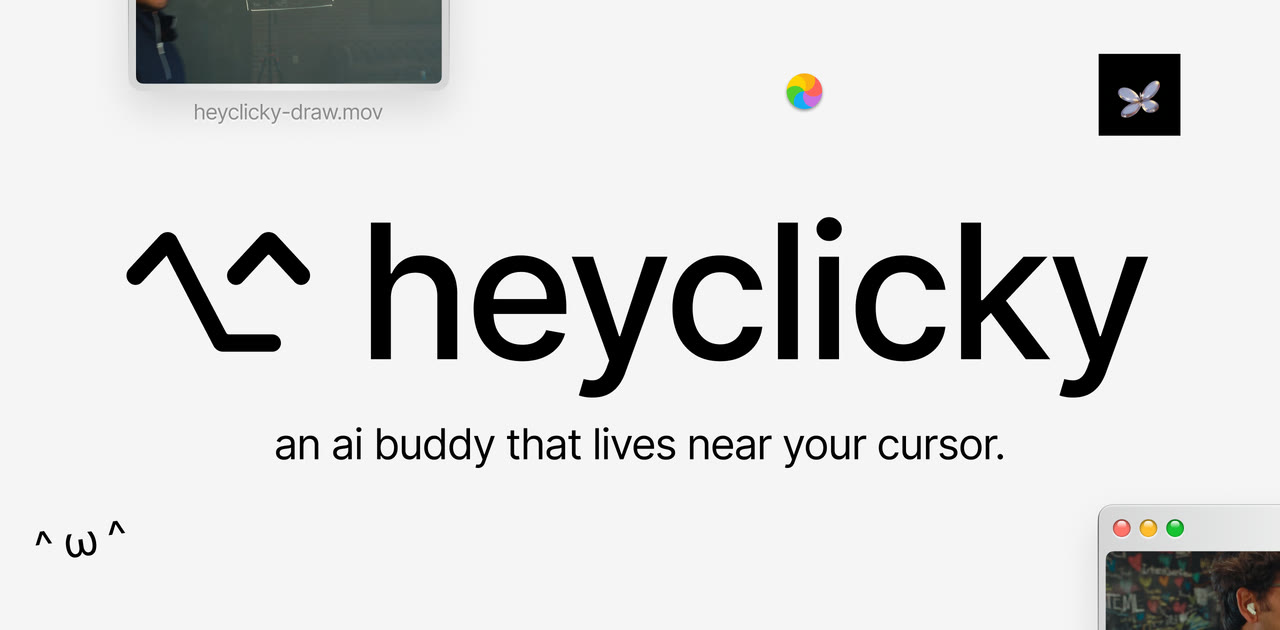
Overview: The Next Generation of Desktop AI
Artificial intelligence is changing the way we interact with computers. Traditionally, users communicate with AI assistants through text prompts or voice commands. However, a new generation of AI tools is taking this interaction further by allowing AI to understand what users are doing on their screens and provide visual assistance directly on their desktops.
One such tool is HeyClicky, an AI-powered desktop assistant that turns your mouse cursor into an intelligent AI companion.
HeyClicky can understand screen content, follow where users point their mouse, listen to voice instructions, and respond with drawings, diagrams, and visual explanations. Instead of simply providing text-based answers, it can illustrate concepts directly on the user's screen.
What Is HeyClicky AI?
HeyClicky is an AI-powered desktop assistant designed to make computer interaction more visual and intuitive.
Unlike traditional AI chatbots, which mainly respond through text, HeyClicky combines screen awareness, mouse tracking, voice interaction, and visual generation.
For example, imagine you are working with a complicated Python function in VS Code. Instead of copying the code into a chatbot and asking for an explanation, you can simply point your mouse toward the function and ask HeyClicky to explain it.
The AI understands the relevant screen context and provides an explanation using visual elements such as arrows, highlights, sketches, and diagrams. Its goal is to make AI assistance available directly where users work, without requiring them to constantly switch between applications.
- Seamless Desktop Companion: Operates directly on top of your existing workflows and software applications.
- Cursor-Centric Context: Directs AI attention precisely where you point or hover on screen.
- Live Visual Canvas: Illustrates complex mechanics through on-screen drawings, outlines, and diagrams.
- Hands-Free Voice Input: Speak naturally to ask questions while keeping your hands on the keyboard and mouse.
Release Timeline and Updates
HeyClicky's original version launched on April 6, 2026.
A major update, version 1.1.1, arrived on October 23, 2026, introducing expanded capabilities, including native Windows support, improved screen understanding, and 2D/3D visual explanations.
The release gained substantial viral traction after founder demonstrations showcased the assistant explaining complex concepts by drawing fluid visual diagrams directly over live browser content.
- April 6, 2026: Initial public launch of HeyClicky desktop assistant.
- October 23, 2026: Version 1.1.1 milestone release bringing official Windows support, enhanced screen-parsing fidelity, and 2D/3D visual explanation overlays.
Key Features of HeyClicky AI
HeyClicky delivers five core capabilities that distinguish it from standard chatbots:
- 1. Real-Time Screen Understanding: HeyClicky parses active application windows, webpages, and code editors. When you ask a question about what is on screen, the assistant comprehends the surrounding visual context without manual screenshots.
- 2. Mouse Tracking and Cursor Awareness: The assistant monitors where your cursor is pointed. Instead of explaining an entire busy display, it focuses specifically on the button, function, or diagram under your cursor.
- 3. Live Drawings and Visual Explanations: Rather than walls of text, HeyClicky renders arrows, highlight boxes, visual annotations, 2D flowcharts, freehand sketches, and interactive 3D representations right over your workspace.
- 4. Natural Voice-Based Interaction: Speak commands naturally such as “Explain how this website works”, “Show me how this function executes”, or “Draw a diagram explaining this process.”
- 5. Active Desktop Interaction: Beyond passive explanations, authorized workflows allow HeyClicky to navigate application menus, automate repetitive steps, and assist with real-world computer tasks.
How Does HeyClicky Work?
HeyClicky orchestrates vision, cursor telemetry, voice recognition, and generative AI through a six-stage pipeline:
- Step 1: Screen Capture — When triggered, HeyClicky captures the active desktop frame to analyze open interfaces and content.
- Step 2: Mouse Context — Telemetry tracks your mouse coordinates and selection areas to pinpoint the exact target element.
- Step 3: Voice Instructions — On-device microphones capture natural spoken questions without requiring you to switch windows.
- Step 4: AI Processing — Powered by OpenAI's high-speed GPT-6.1 Sol Ultrafast model, the assistant rapidly synthesizes instructions with screen pixels.
- Step 5: Visual Generation — Dynamic graphics layers render arrows, highlight bounding boxes, flowcharts, or 3D models over your screen.
- Step 6: Desktop Assistance — With user authorization, the assistant can interact with UI elements to complete requested desktop tasks.
Who Can Use HeyClicky AI?
HeyClicky provides immediate value across several technical and creative workflows:
- Software Developers: Point at unfamiliar syntax, legacy algorithms, or obscure stack traces in your IDE and request an instant visual execution flowchart.
- Students & Self-Learners: Break down intimidating scientific diagrams, mathematical formulas, or language lessons with intuitive visual overlays instead of dense text.
- Learning New Software: Navigate complex digital audio workstations (DAWs), 3D modeling tools (Blender, CAD), or enterprise software by having the AI visually guide you through menus and toolbars.
- Technical Documentation: Interactively inspect complex API architectures, database schemas, and cloud deployment charts without leaving the browser tab.
How to Download and Install HeyClicky
HeyClicky is available as a native desktop application for both macOS and Windows.
Installation Steps:
- Visit the official website at heyclicky.com.
- Choose the installer corresponding to your operating system (macOS or Windows).
- Run the downloaded installer and launch the HeyClicky desktop application.
- Sign in to your account and grant the requested OS permissions (screen recording and microphone access).
- Configure your preferred hotkey shortcut or wake word for instant invocation.
- Activate the assistant, point your mouse at any application, and ask your first question.
HeyClicky Pricing Plans
HeyClicky offers flexible monthly subscription tiers for individual users and professionals:
| Plan | Price | Agent Messages |
|---|---|---|
| Free | $0 | 25 / month |
| Pro | $20 / month | 150 / month |
| Max | $100 / month | 1,000 / month |
Note: The Free tier also includes 25 voice talk messages per month. Always consult the official website for current tier promotions and rate limits.
HeyClicky vs. Traditional AI Chatbots
The core difference between HeyClicky and traditional conversational models centers on spatial context and output medium:
| Aspect | Traditional AI Assistants | HeyClicky AI |
|---|---|---|
| Interaction Model | Text input inside browser or separate window | Voice + mouse hover directly over your screen |
| Context Ingestion | Requires manual copy-pasting or file upload | Automatic real-time screen & cursor awareness |
| Output Medium | Paragraphs of text and markdown snippets | Live annotations, arrows, sketches, and 2D/3D diagrams |
| Workflow Disruption | Frequent context switching between applications | Operates non-intrusively in-place |
Privacy and Security Considerations
Because HeyClicky requires screen recording and audio permissions to interpret active desktop contexts, security hygiene is essential:
• Sensitive Information: Ensure private customer credentials, passwords, cryptographic private keys, and confidential internal contracts are not visible on screen when invoking the assistant.
• Permission Controls: Use operating system settings to restrict background capture permissions and selectively grant access only when using the tool.
• Compliance Policies: Review organizational data policies before using screen-aware AI tools on corporate workstations containing proprietary intellectual property.
Final Thoughts: The Future of Spatial Desktop Assistance
HeyClicky illustrates an exciting frontier for personal computing and AI UX. Chat interfaces served as a natural stepping stone, but having an assistant that shares your visual vantage point and understands physical cursor intent transforms AI from a distant chatbot into an active co-pilot.
For developers debugging tricky code, students mastering difficult concepts, and professionals navigating complicated software, HeyClicky’s live visual overlays offer a fundamentally more natural way to learn and solve problems.
Spatial AI on the Desktop
From “Copying screenshots into text prompts”
“To real-time cursor tracking and live visual screen explanations.”